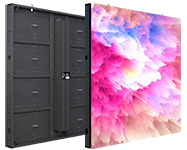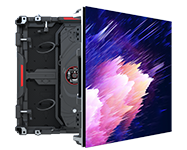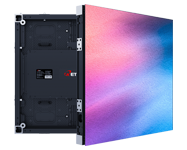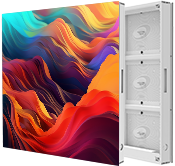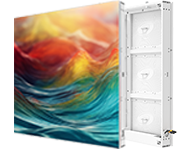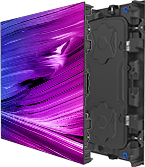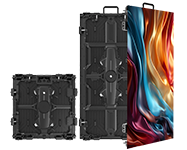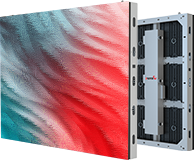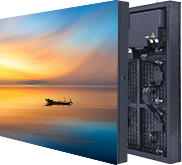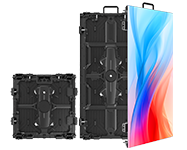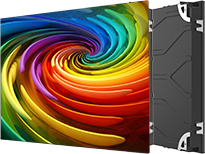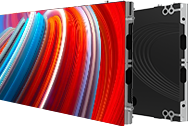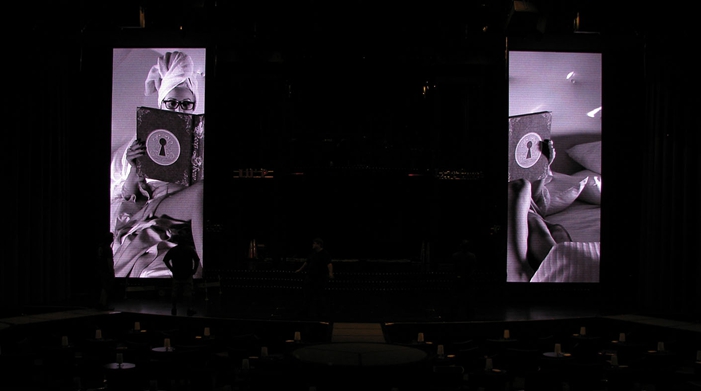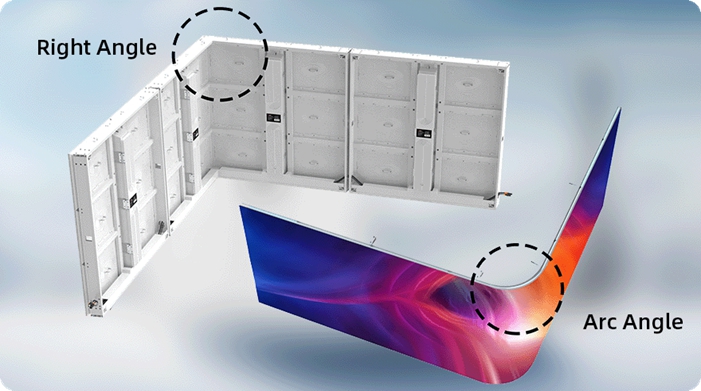
Whether in a corporate lobby, retail flagship, or control room, the clarity of a display directly influences perception, engagement, and decision-making. A pixelated or dim screen can undermine a brand's message, while a vibrant, quality large LED display board communicates competence and quality.
At the heart of this decision is pixel pitch, which determines an LED display's ability to render fine detail. But how do you know if a fine pitch LED display is the necessary solution for your goals, or if it's expensive overkill? This guide will help you make the right investment for your space.
To make an informed decision, it's essential to understand the basic terminology.
Pixel pitch is the physical distance, in millimeters, from the center of one pixel to the center of the next. A "P4" display has a 4mm gap, while a "P2 LED" display has a 2mm gap.
The key takeaway is: a smaller pixel pitch number means the pixels are packed more closely together, creating a higher pixel density and a sharper, higher-resolution image.
The difference in density is exponential. Halving the pixel pitch quadruples the number of pixels. This is why a fine pitch LED display creates a smoother image, but also requires a larger investment.
| Pixel Pitch | Pixels per Square Meter | Best For |
|---|---|---|
| P4 LED (4mm) | 62,500 | Distance Viewing (> 4m) |
| P3 LED (3mm) | 111,111 | Medium-Distance Viewing (> 3m) |
| P2 LED (2mm) | 250,000 | Close-Distance Viewing (> 2m) |
"Fine-pitch" (or narrow pixel pitch) generally refers to any display with a pixel pitch of 2.5mm (P2.5) or less. This category includes P2.5, P2 LED, and sub-millimeter P1.x models.
This technology is what allowed LED to move indoors and compete with traditional LCDs. It enables the creation of seamless, high-definition video walls that are sharp even at close viewing distances, making them perfect for everything from boardrooms to high-end LED display screens for advertising indoor.
Don't just buy the smallest number. The right pitch is a balance of viewing distance, content, and budget.
A common rule of thumb is the "Meter-to-Millimeter Rule": the minimum viewing distance in meters should be about the same as the pixel pitch in millimeters.
But this rule isn't enough. It doesn't account for the type of content (e.g., a data-heavy spreadsheet vs. an ambient video) or, most importantly, the single person who walks right up to the screen. The "closest-case scenario" must govern your decision.
Viewers are often seated just feet away, reading fine text, spreadsheets, or critical data. Legibility is a functional necessity.
This is the ideal application for a fine pitch LED display. A pitch of P1.2 to P2.0 is essential. Anything larger will look pixelated and unprofessional.
These spaces have a dual challenge. The large LED display board must capture attention from 20-30 feet away, but it must also look premium to a customer standing 5-10 feet away.
It requires a balance of cost and performance. An indoor P2.5 LED display or a P3.0 display often hits the sweet spot. This ensures a sharp image for the close "stare" without the high cost of an ultra-fine pitch for the distant "walk-by".
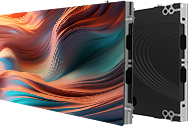
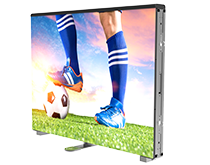
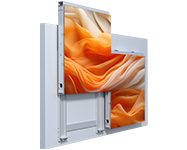
Retop's versatile FEX II Series, with P2.6 and P2.9 models (the series also offer P1.9 and P3.9), is an excellent fit for these mixed-use commercial applications, offering HD performance and flexible installation.
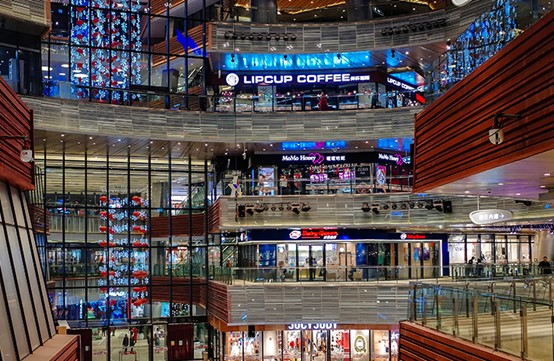
The vast majority of the audience is seated far from the screens (30 to 100+ feet). The goal is clear legibility of song lyrics or presentation points, not ultra-fine detail.
This is a scenario where a P1.5 would be expensive overkill. A high-quality P3 LED or P4 display is far more cost-effective and will deliver an excellent, clear image to the intended audience. Being honest about this builds trust.
Focusing only on the "P" number can lead to compromises in other critical areas.
Brightness (Nits): For an indoor LED display, brighter is not always better. Excessive brightness causes eye strain and wastes energy. A range of 800 to 1,500 nits is ideal for most indoor spaces. The range will ensure a vibrant image that is comfortable to view.
Contrast Ratio: This is the difference between the brightest white and darkest black. A high contrast ratio (a baseline of 3000:1 is recommended) makes blacks look truly black (not gray) and makes all other colors appear richer and more saturated.
Refresh Rate (Hz): This is non-negotiable for any screen that might be filmed. A low refresh rate will show black "rolling" bands on camera. For a professional, flicker-free image, demand a refresh rate of 3840Hz or higher.
Color Uniformity: The display must show a single, solid color without any blotches or shifts. Good uniformity requires high-quality, "binned" LEDs and precise factory calibration.
Serviceability: Front service access is essential for any display mounted flush against a wall. This allows technicians to repair modules from the front, saving significant time and labor costs compared to traditional rear-access panels.
Lifespan: The common "100,000-hour" rating refers to the time it takes for the display to reach 50% of its original brightness, not total failure. For a high-quality display running at a reasonable brightness, a realistic useful life of 8 to 12 years is a solid expectation.
A partnership is the best path to clarity. The most successful projects combine a client's vision with deep technical expertise. Contact the experts at Retop for a no-obligation assessment to help engineer a solution that delivers maximum impact and lasting value for your space.

I consent to receive emails about news, marketing&product updates from Retop in accordance with the Retop Privacy Policy